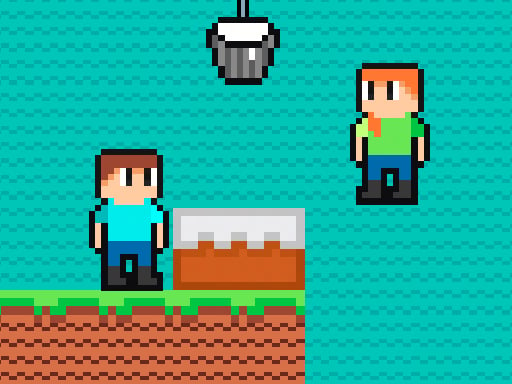
Brothers are making a cake
5,836
Get ready to dive into a thrilling cake-making competition with your friend! In this exciting adventure, speed is key as you race against each other to create the perfect cake first. Ingredients float by in colorful balloons, and it's up to you and your friend to collect them quickly. From fluffy batters to sweet toppings, gather all the essentials to assemble your masterpiece faster than your opponent. Show off your baking skills and strategic thinking to claim victory in this delightful showdown and prove you're the ultimate cake master!
Recommended Games
★ 4.4
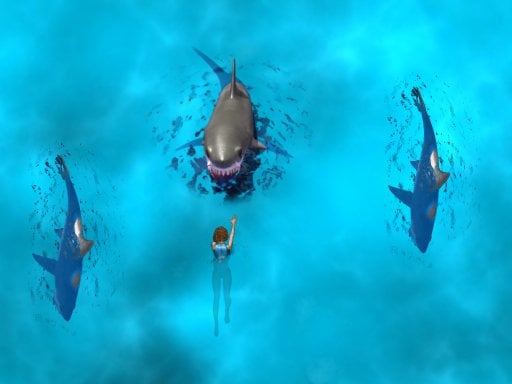
Avoid the Sharks
In this game, control your swimmer by touching the screen to move left or right, avoiding approaching sharks. On desktops, utilize the mouse to direct your swimmer's movements, swiftly shifting left and right to dodge the hungry sharks.
5,760

★ 4.9
Runner Slapper
Click or tap the screen to interact and progress through the game. Use these inputs to trigger actions, solve puzzles, and navigate challenges.
4,305

★ 4.8
Spider Jump
Click or tap the screen to interact and progress through the game. Use these inputs to respond to in-game prompts and solve challenges.
6,161
★ 4.9
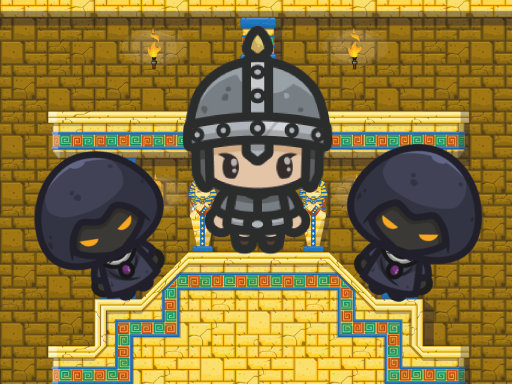
King of Majesty
Control Desktop Click the left mouse button to jump, propelling your character upward. Mobile Tap the screen to jump, making your character leap into the air.
7,911

★ 4.7
Free Fly
Tap the screen to make the bee soar upwards. Avoid clouds and obstacles by skillfully navigating. Collect honeycombs to boost your score. Stay aloft for as long as possible while gathering honeycombs for high scores.
7,394

★ 4.7
Match Hit
In mouse touch gameplay, players navigate using simple gestures on their device's screen. Tapping initiates actions, dragging moves characters or objects, and swiping can change directions or activate abilities. This intuitive design ensures accessibility, allowing users to focus on strategy and enjoyment rather than complex controls.
7,300
★ 4.1
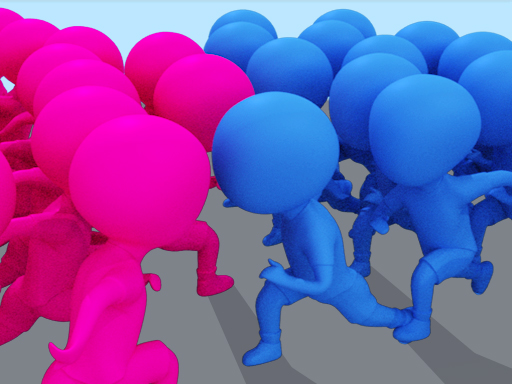
Count Master: Crowd Runner 3D
Click or tap on the screen to interact with the game elements. Use these inputs to progress through levels or complete objectives as directed.
6,957
★ 4.1
Grimace Monster Dop Story
Click or tap on the screen to interact with the game elements. Use these inputs to progress through levels or achieve objectives as directed by the in-game instructions.
5,571
★ 4.0
Dungeon Adventures
W - Jump higher or double jump A - Move Left to dodge obstacles or reach lower platforms D - Move Right to explore or collect items Double Jump Active allows you to leap over gaps or avoid dangers twice in quick succession
6,662
★ 4.9
Skyblock Parkour Easy Obby
Navigate using arrow keys for the Obby character and WASD for the Girl Friend in both mobile and desktop versions for smooth playability across devices.
3,793
★ 4.5
Financial Run
Click or tap on the screen to interact and play.
5,548

★ 4.5
CircleFly
Control the circular object by tapping the screen to start its movement to the right. It keeps moving in that direction until it hits a wall. Upon collision with a wall, it switches direction to the left. After changing direction, you must
5,985
★ 4.8
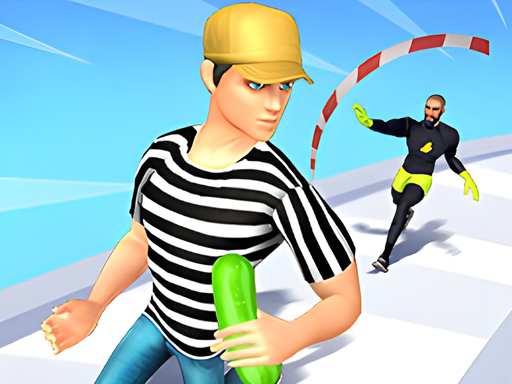
Catch Him
Click or tap the screen to interact and progress through the game. Use these inputs to trigger events, select options, and control actions within the game environment.
7,641

★ 4.5
Ratomilton Red Light Green Light
In mouse only gameplay, players navigate and interact entirely through their computer mouse. Clicking, dragging, and hovering over elements within the game world serve as the primary means of control. This setup challenges players to develop precision and timing, focusing solely on visual cues and spatial awareness to achieve objectives.
4,117
★ 4.3
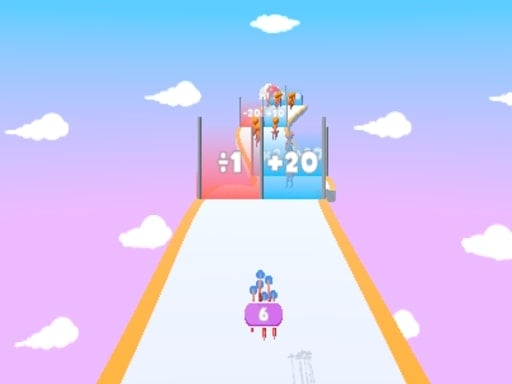
MultiplArrow
Click or tap the screen to interact and progress in the game.
4,392

★ 4.7
Melodys Adventure 2
Navigate using arrow keys for left, right, up, down movements or utilize W for up, A for left, D for right controls.
5,749
★ 4.6
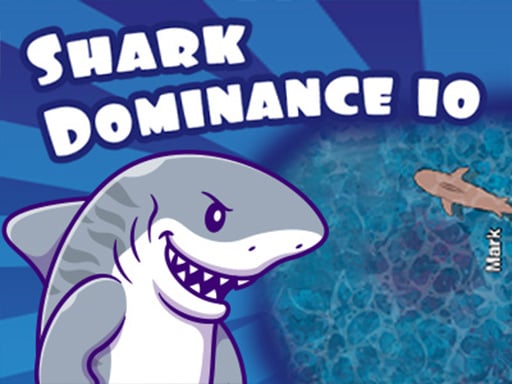
Shark Dominance io
PC players control movement using the mouse for speed and the 'D' key for direction. On mobile, touch controls are used for both speed and directional movement with a secondary touch for additional actions.
5,413
★ 4.9
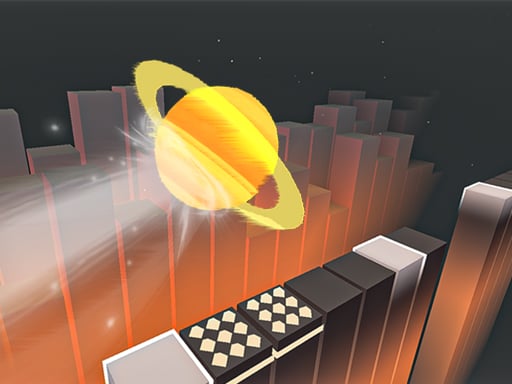
Bounce Run
Click or tap on the screen to interact and play.
6,069
★ 4.1
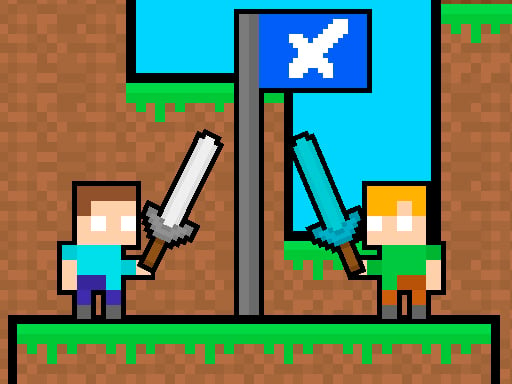
Friends Battle Swords Drawn
The red team uses WASD keys to move, while the blue team navigates with arrow keys. Both teams aim to secure their flag for 20 seconds. Players can eliminate opponents by pressing 'S' or the 'DOWN ARROW'.
7,122